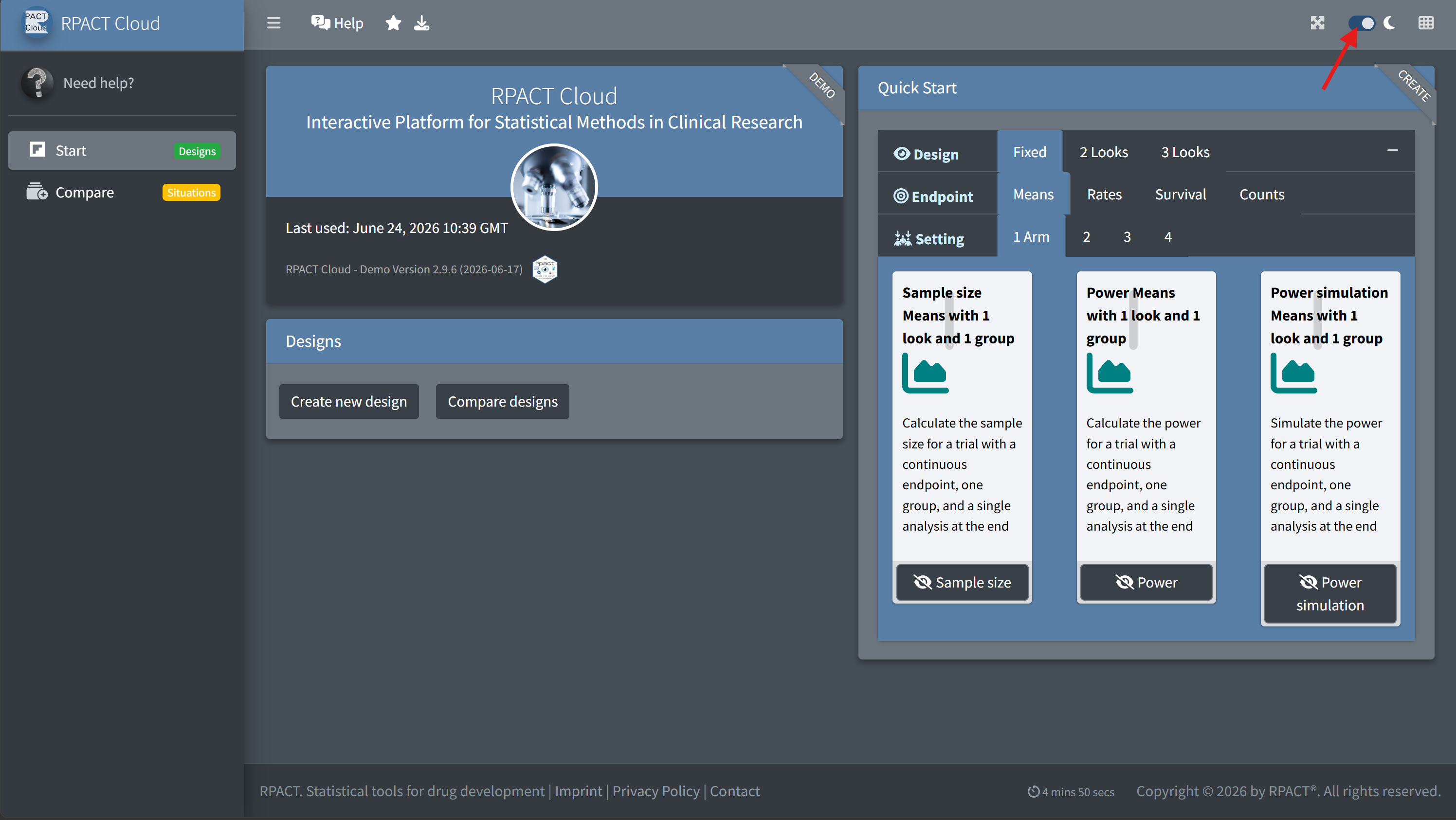
Interactive Platform for Statistical Methods in Clinical Research
June 24, 2026


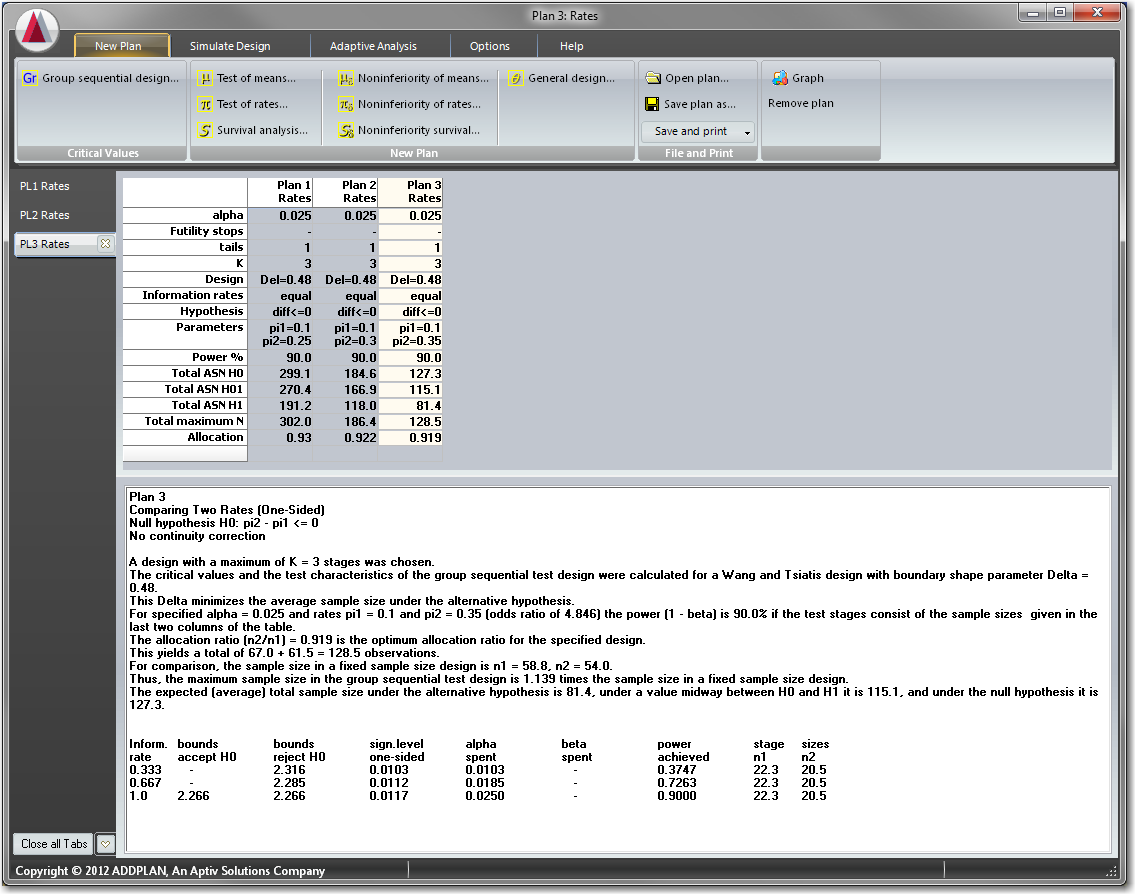
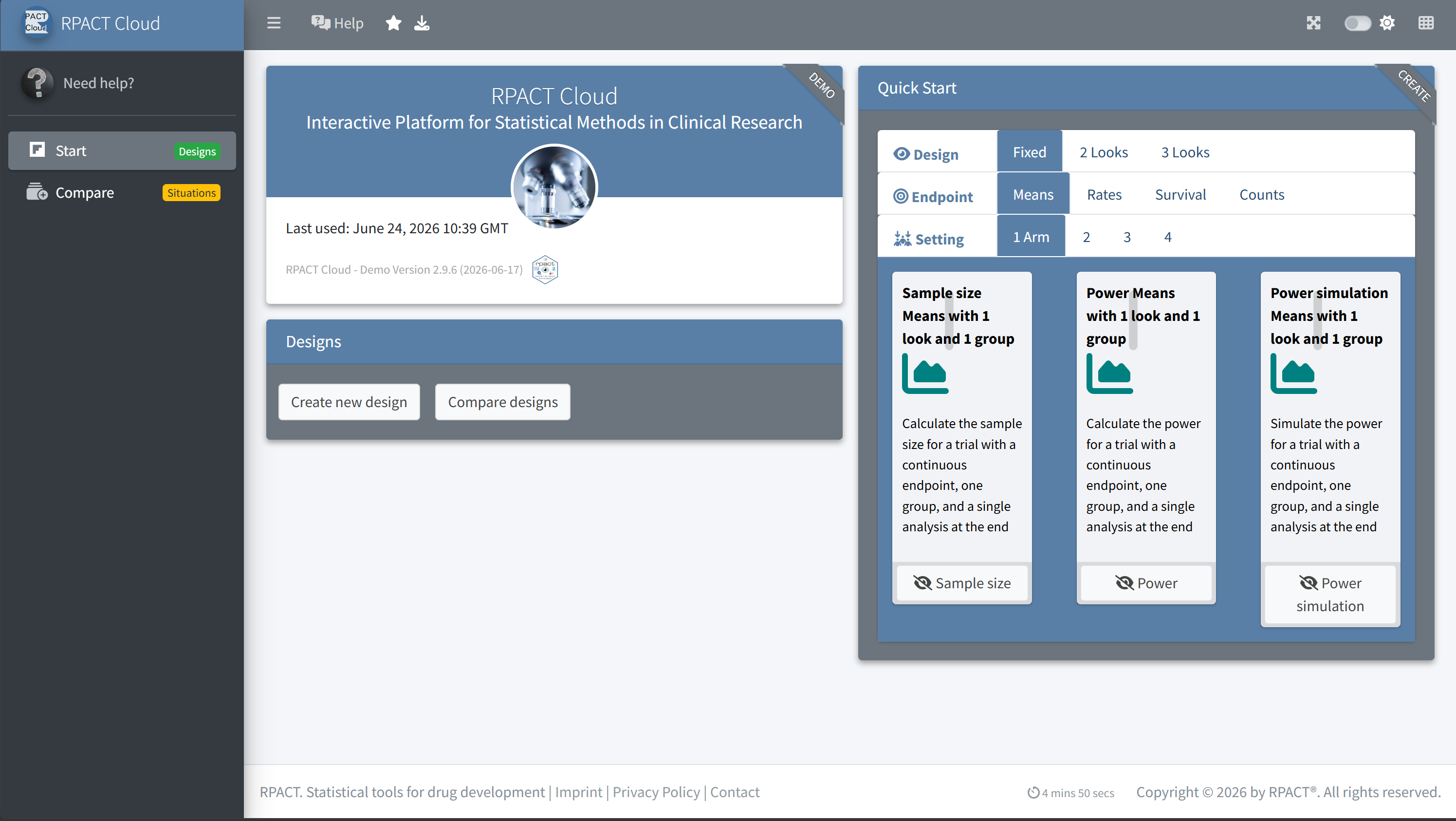
What are the advantages of using RPACT Cloud instead of directly using the R package rpact or other software, e.g., ADDPLAN or East?
rpact package validationfor
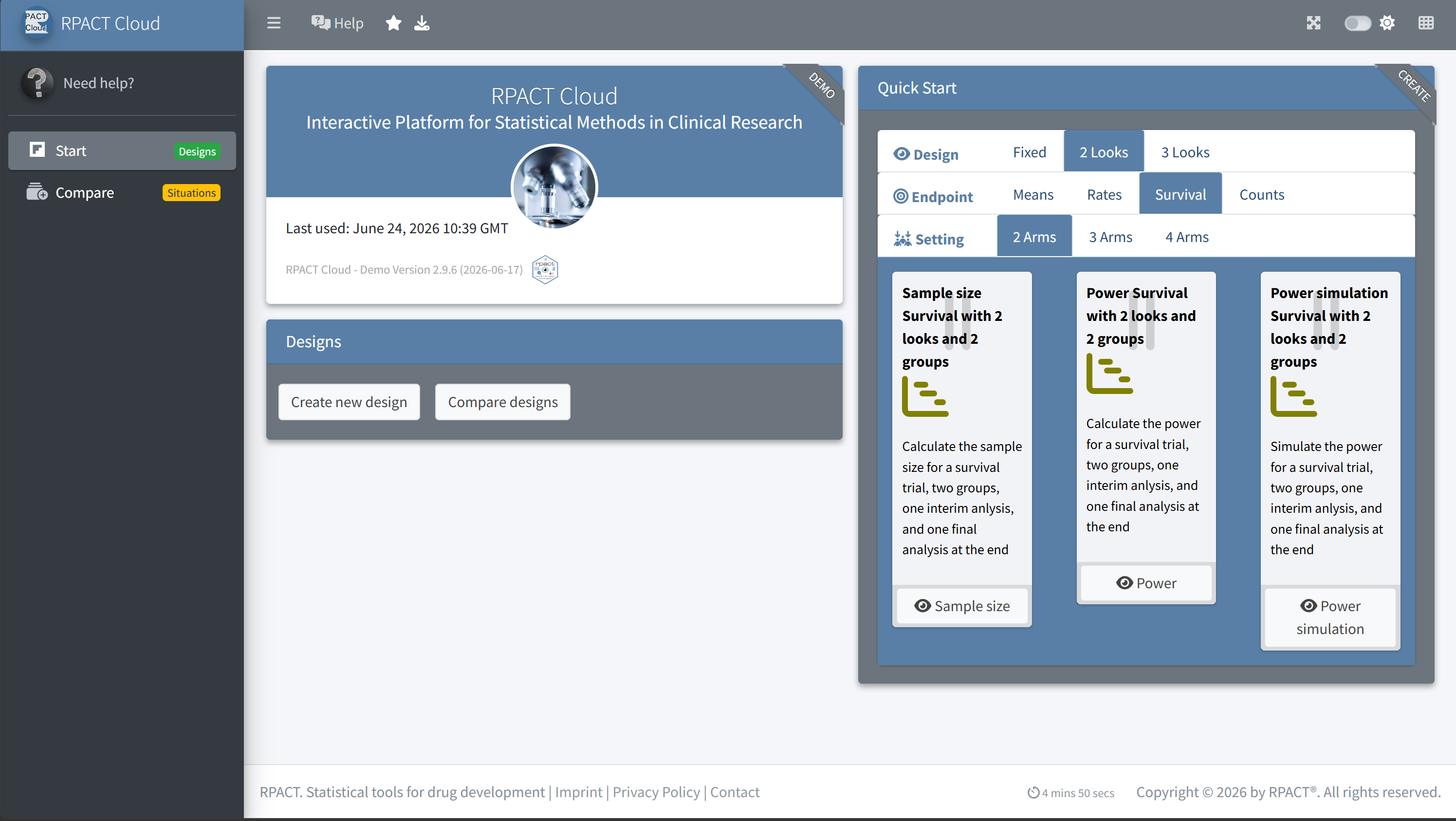
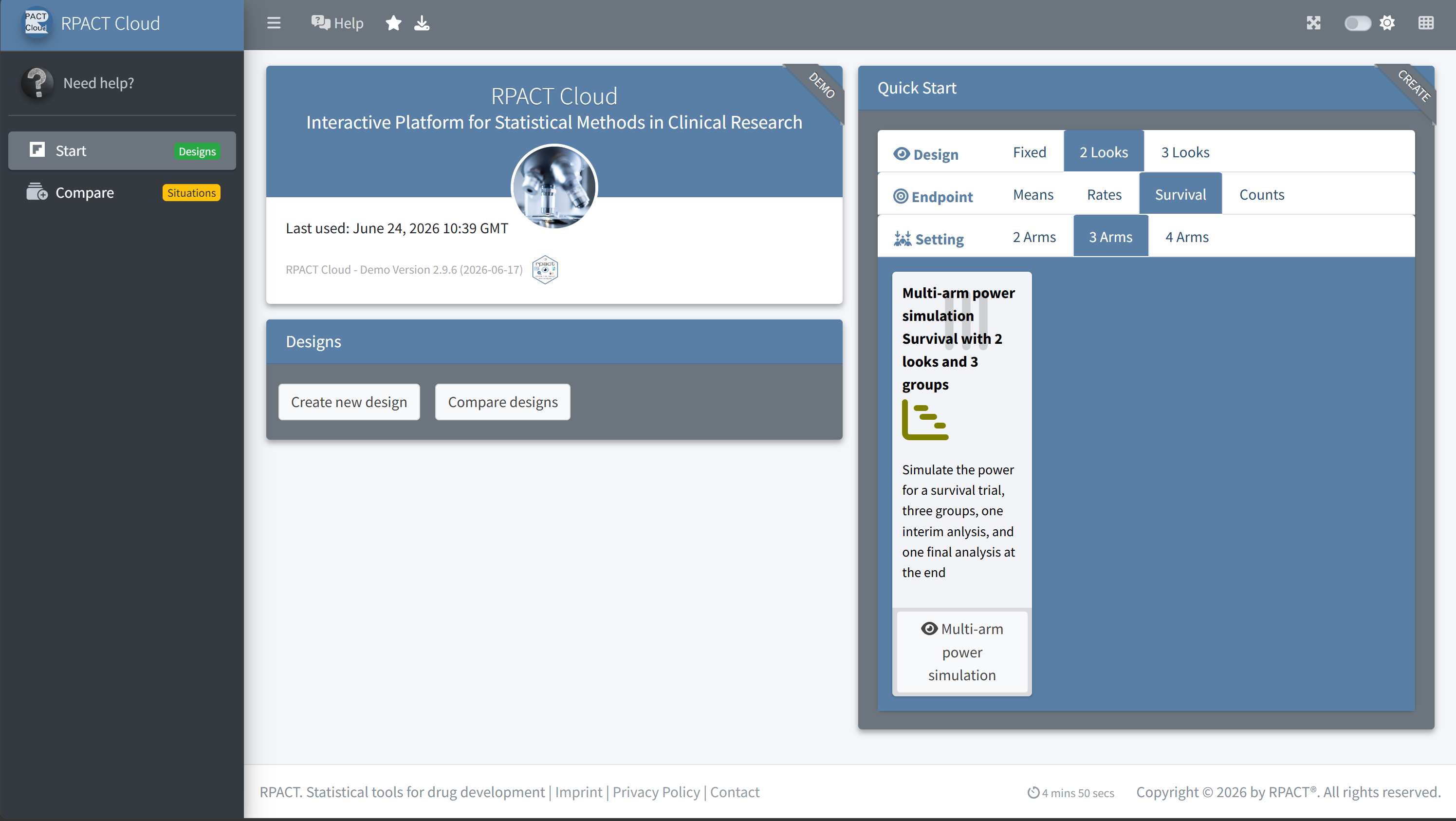
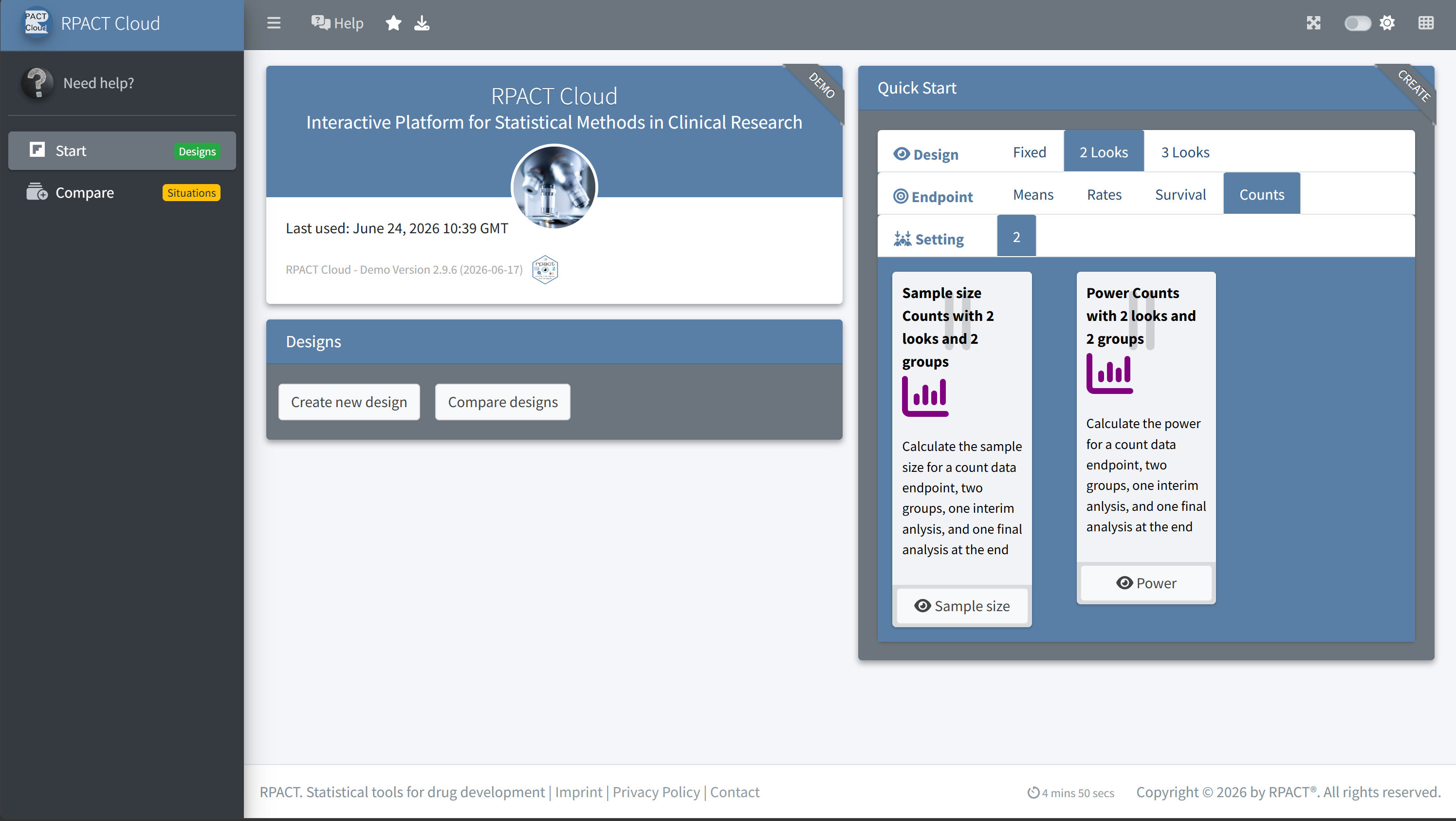
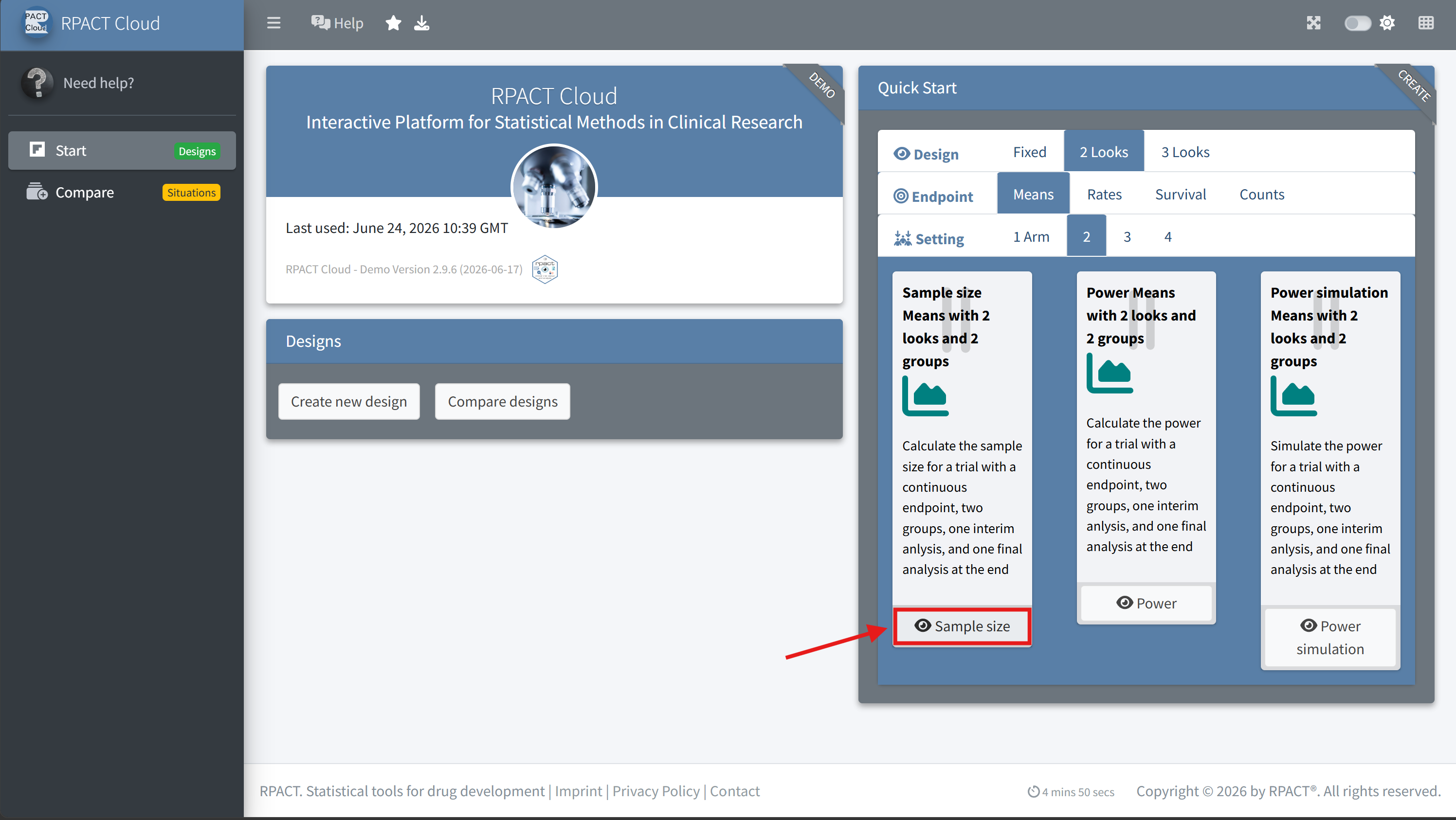
for means, rates, survival data, and count data
\(\rightarrow\) rpact useful for conducting innovative designs
and flexible simulations in clinical trial planning


Over the past year, four major pharmaceutical companies have licensed RPACT Cloud for internal installation and use on their own servers - fully replacing previous proprietary software.
To support these enterprise deployments, we published extensive documentation covering setup on Posit Connect, configuration, and full qualification/validation:
Installation and operation of RPACT Cloud on a company server or on an internal Posit Connect environment provides important advantages over using the free public demo version.
| Benefit | Internal RPACT Cloud Installation | Public Demo Version |
|---|---|---|
|
Dedicated performance Can be implemented with company-specific resources and scaled for expected usage, including parallel users and computationally intensive simulations. |
✓ | ✗ |
|
Unlimited simulation iterations Supports unrestricted simulation settings, subject only to the resources configured in the company environment. |
✓ | ✗ |
|
Stable company-specific URLs for saved designs Designs can be shared and revisited via a dedicated company URL; demo URLs may change at any time. |
✓ | ✗ |
|
Data privacy and compliance control Company-specific privacy, security, and compliance requirements can only be reliably ensured in an internal environment. The public demo version may use external services such as Google Analytics. |
✓ | ✗ |
|
Extensive configuration options Internal deployments can be tailored using environment variables, for example to configure app behavior, reporting, branding, authentication-related settings, and other deployment-specific options. |
✓ | ✗ |
|
Installation qualification with validation report A formal installation qualification and corresponding validation report can only be generated for a controlled company installation. |
✓ | ✗ |
|
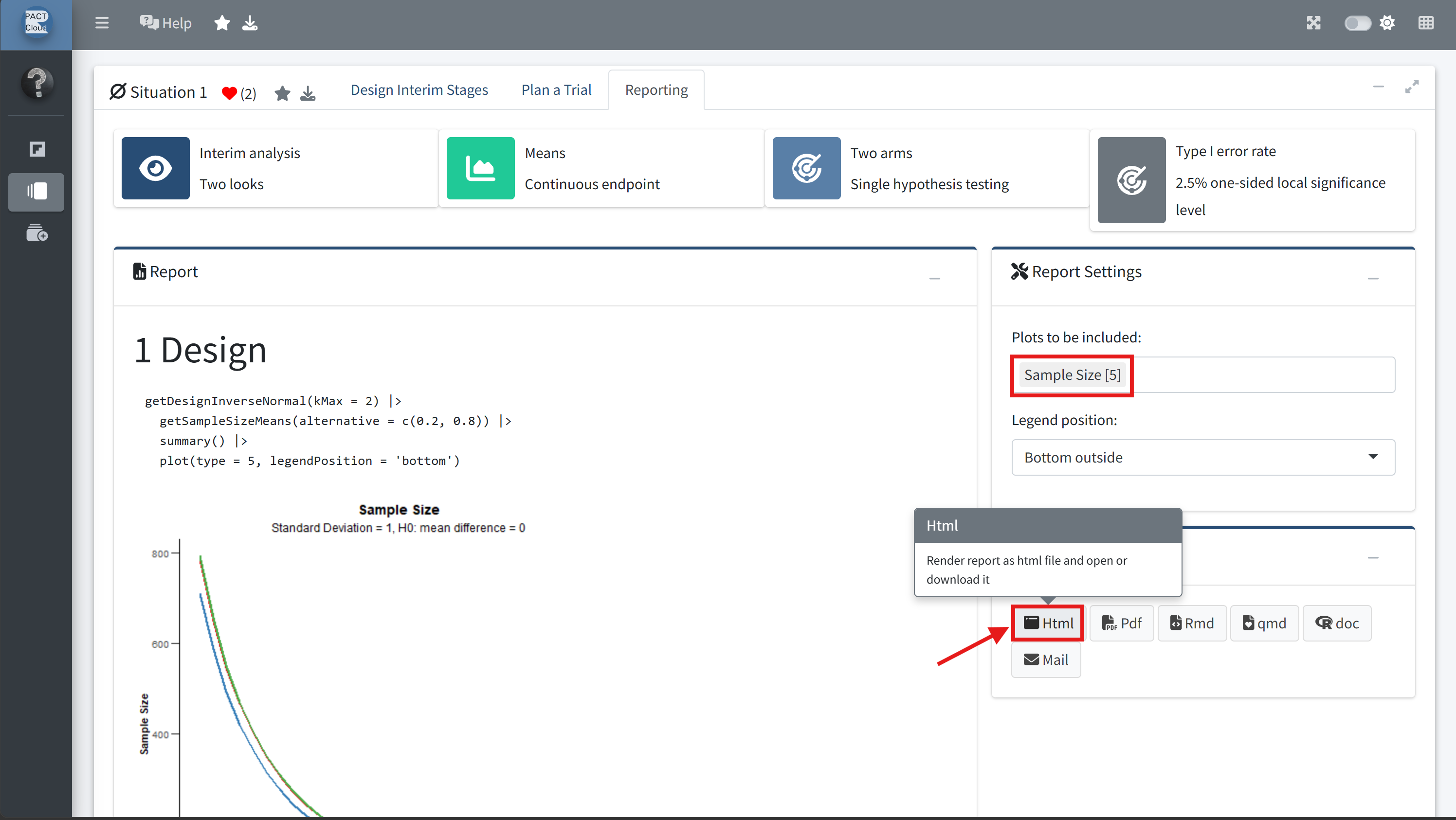
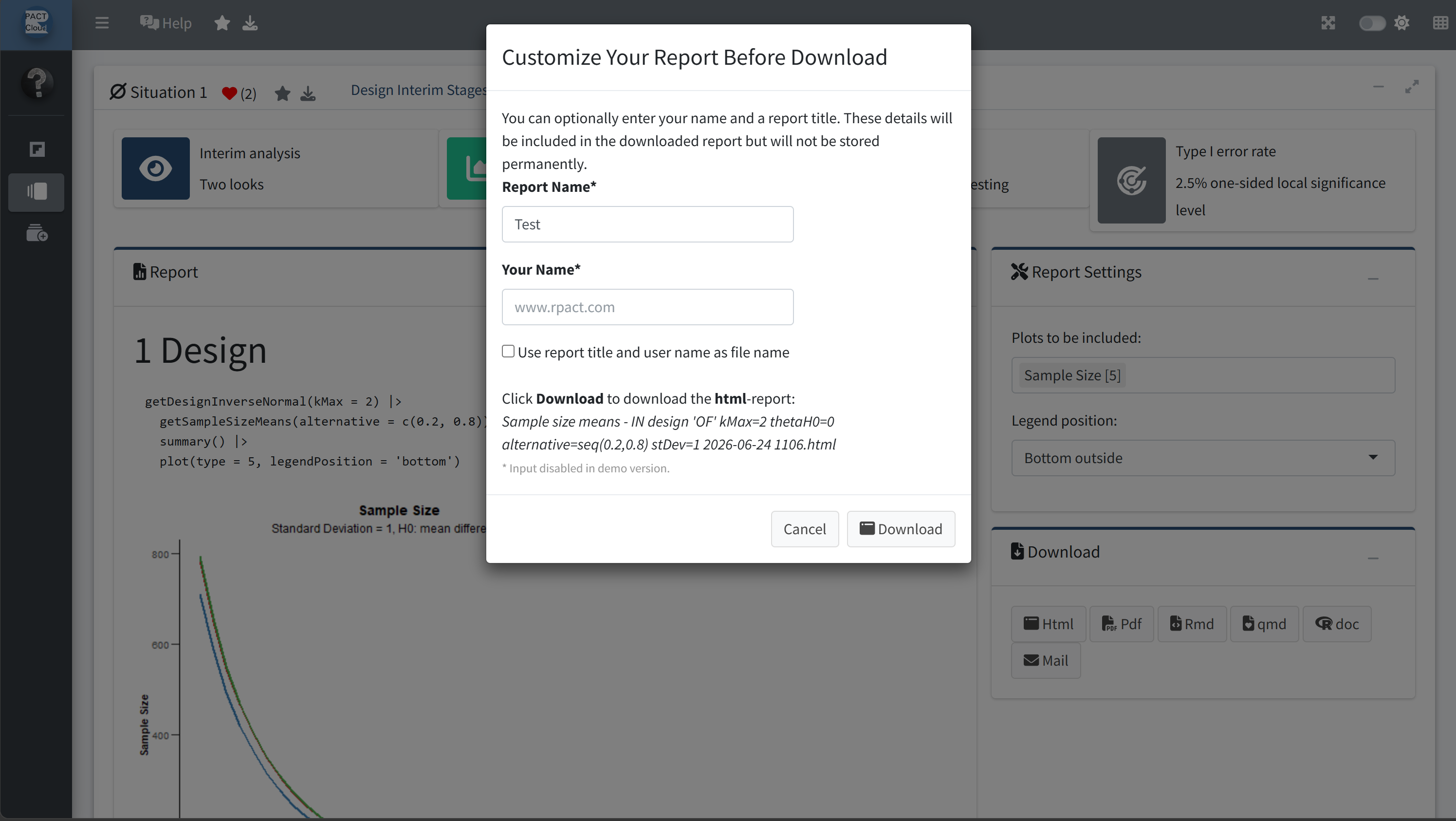
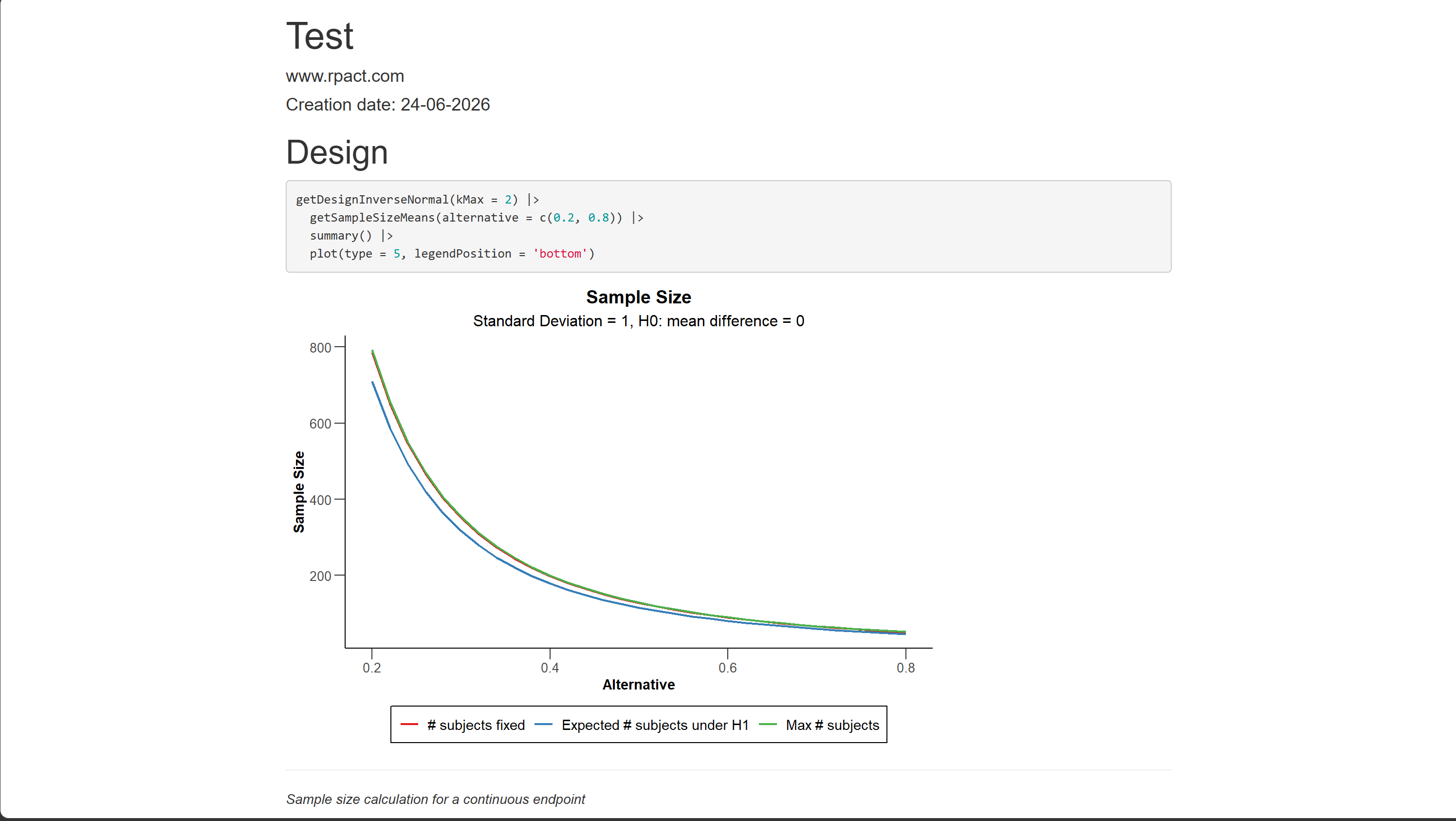
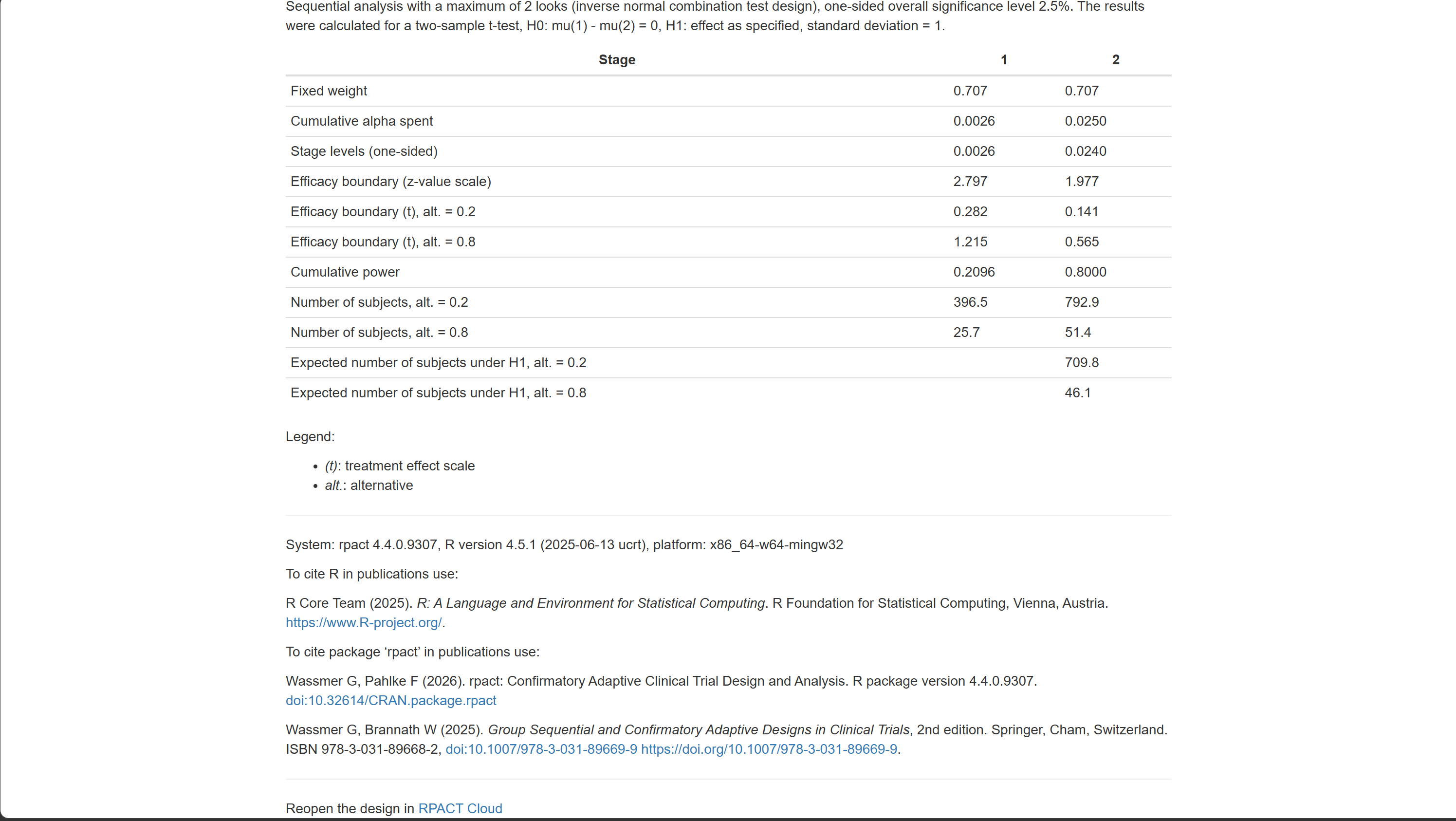
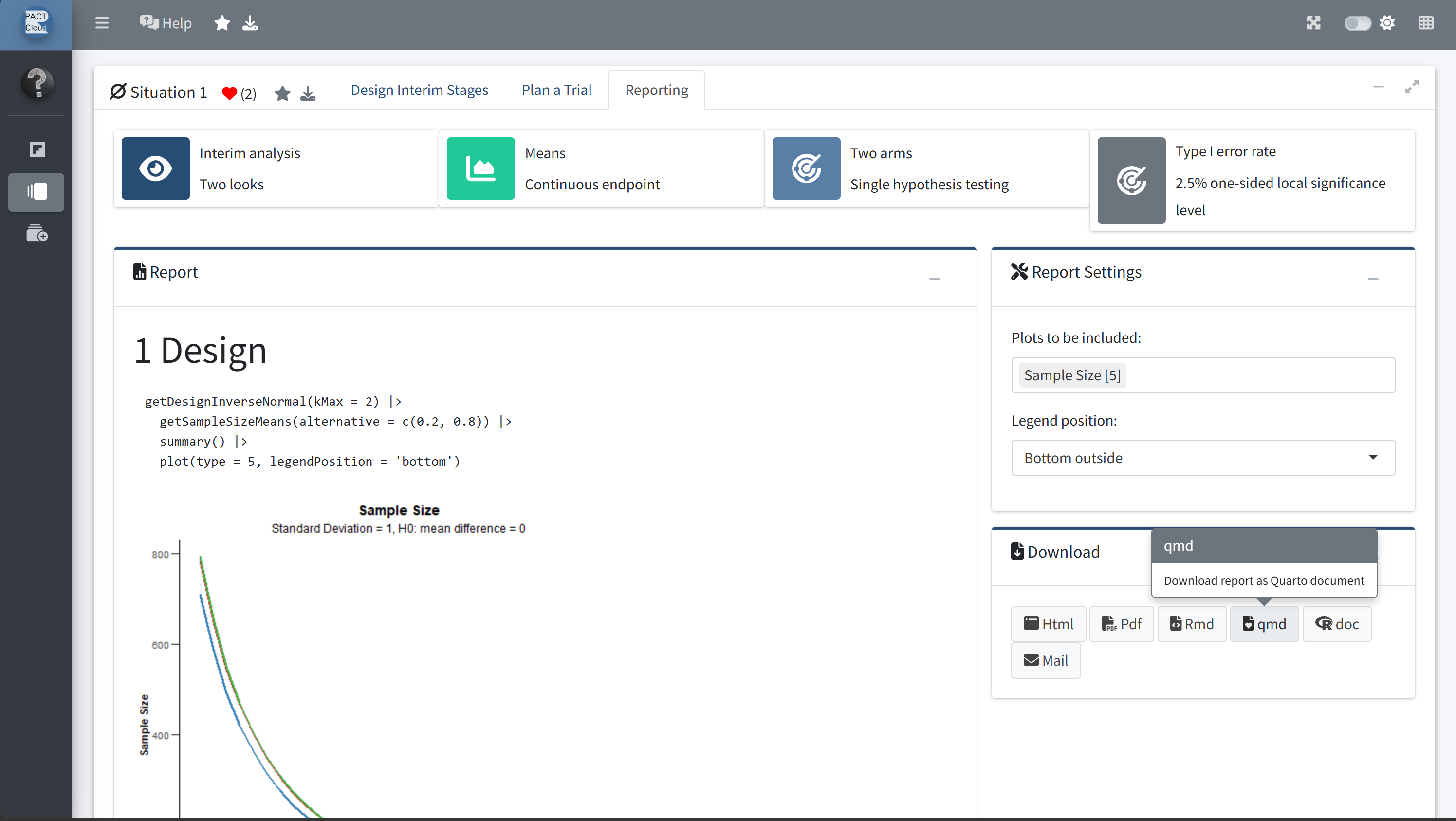
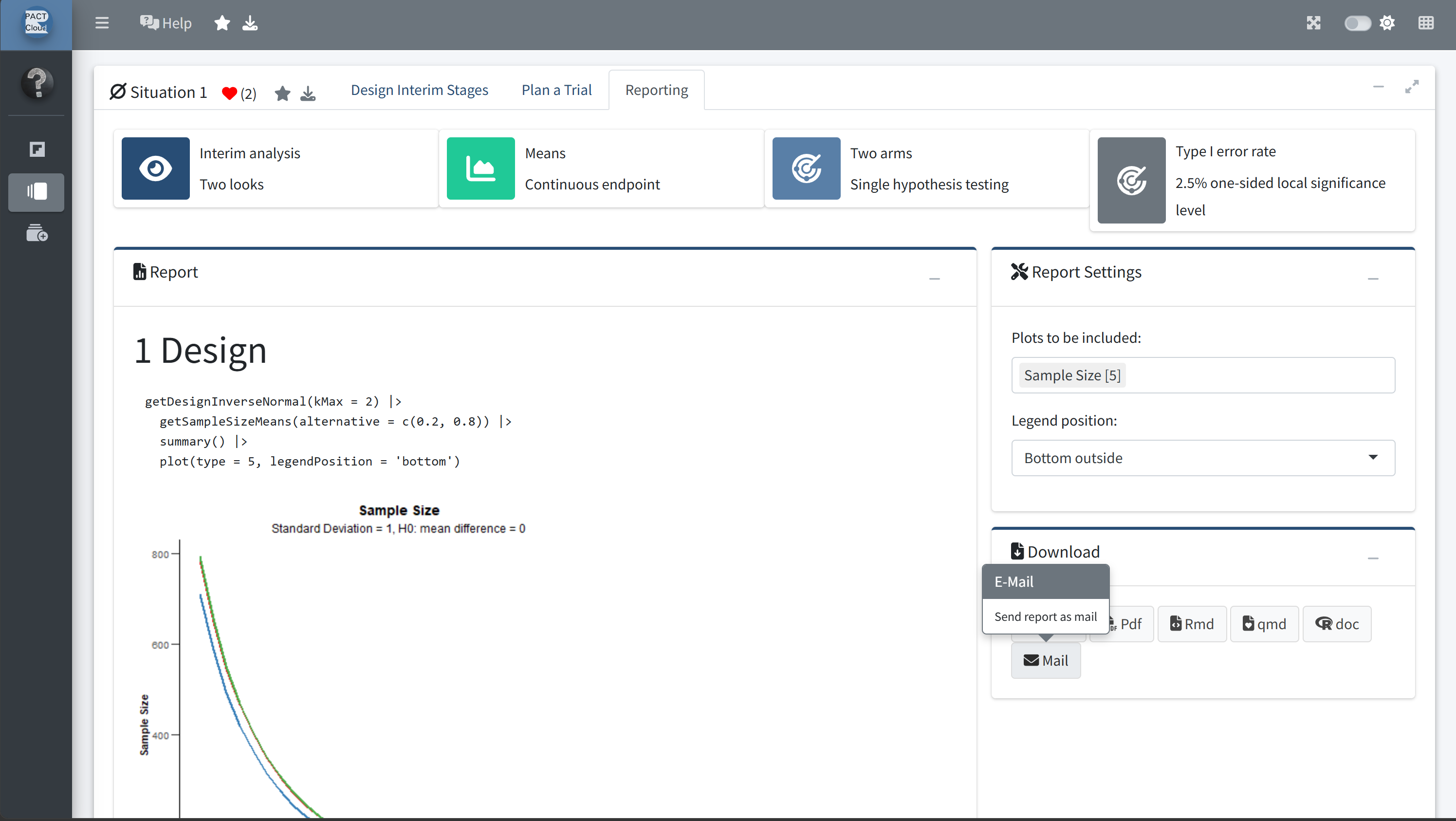
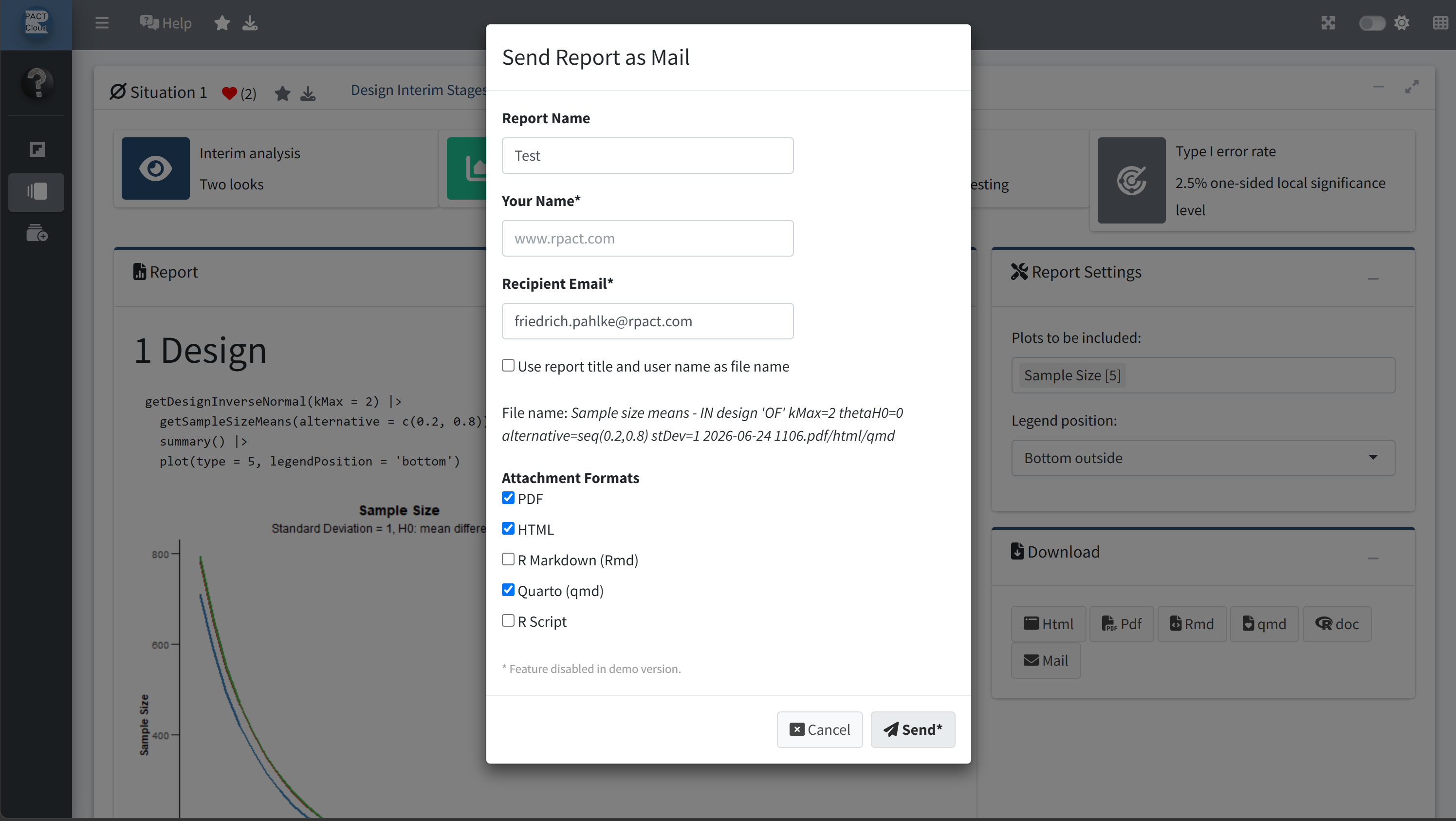
Email delivery of reports directly from RPACT Cloud Reports can be sent directly from the application by email when this feature is configured in the company environment. |
✓ | ✗ |
|
Earlier access to new features New features, such as the count data endpoint, are typically made available in company installations months before they are released in the public demo version. |
✓ | ✗ |
|
Company branding in the app and reports Company name, logo, and other branding elements can be displayed and flexibly configured in both the application and generated reports. |
✓ | ✗ |
Note
For deployment-specific settings, see the RPACT Cloud documentation on environment variables: https://docs.rpact.cloud/articles/guide-to-environment-variables.html
rpact, with a focus on ease of use and accessibility